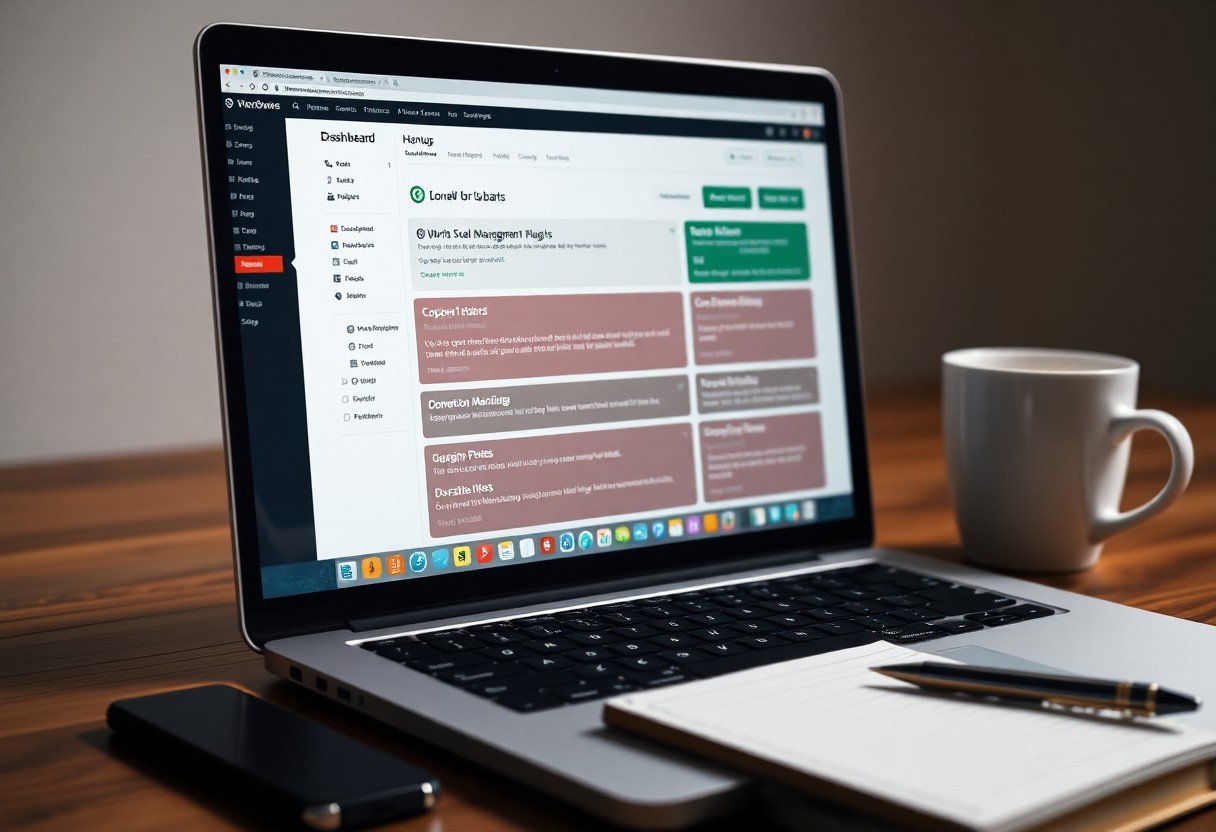


Many organizations face fragmented grant data and mounting compliance demands; this guide shows how you can use cloud platforms, automated workflows, and real-time reporting to consolidate your tracking, reduce errors, and keep your records audit-ready. You’ll get practical steps to map grant lifecycles, set automated alerts for deadlines and budgets, integrate financial systems, and produce compliance reports that satisfy funders and auditors.
Key Takeaways:
- Centralize grant data in a dedicated management platform to automate deadlines, approvals, notifications, and maintain an audit trail for faster reporting and fewer missed requirements.
- Integrate finance, CRM, and project tools with standardized coding and APIs to enable real-time budget tracking, automated expense allocation, and reduced reconciliation errors.
- Use role-based dashboards, alerts, and automated compliance checklists to monitor performance, surface risks early, and keep documentation audit-ready.
Understanding Grant Tracking
What is Grant Tracking?
You treat grant tracking as the continuous workflow that maps each award from application through closeout; it involves monitoring deadlines, budgets, compliance milestones, deliverables, and audit trails. Typical lifecycles include five stages-proposal, award, implementation, reporting, closeout-and you link ledger entries to line items, reconcile expenses monthly, and log communications. Many organizations manage 10-200 active grants, so structured tracking prevents overlap and misallocation.
Importance of Effective Grant Tracking
You reduce the risk of funding loss and audit findings by tracking obligations precisely; federal awards trigger a Single Audit when an entity expends $750,000 or more in federal funds annually, so missed reconciliations can lead to disallowed costs or repayment. Timely, accurate reporting keeps funders satisfied, boosts renewal prospects, and preserves your indirect cost recovery.
You gain operational efficiency and oversight when you automate reminders, approval workflows, and budget-variance reports. For example, a mid-sized nonprofit cut monthly reporting time from 90 to 30 hours after deploying a grant-management dashboard, which freed staff for program delivery and strengthened board-level transparency with auditable records.
Key Factors for Streamlining Grant Tracking
You should focus on a centralized grant repository, clear role-based approvals, consistent templates, automated reminders, and integrated financial syncs; for example, a county health office cut duplicate entries by 45% after centralizing records and connecting grants to their ERP. Standardize naming conventions and apply validation rules to reduce reconciliation effort, and enable real-time dashboards to spot variances. Thou enforce audit trails, scheduled exports, and tight accounting integration to keep compliance visible and actionable.
- Centralized grant repository with unique IDs
- Automated reporting, reminders, and rule-based validations
- Role-based access, approvals, and audit trails
- Integration with accounting, payroll, and CRM systems
- Real-time dashboards and scheduled exports
Automation Tools and Software
You can deploy platforms like Foundant, Fluxx, Blackbaud, or configure Smartsheet with Zapier and API links to automate invoice matching, milestone tracking, and narrative reports; automation often reduces manual reporting time by 40-60%. For example, a regional NGO cut quarterly reporting per grant from 12 to 5 hours after implementing scheduled exports, rule-based validations, and automated alerts tied to your accounting ledger.
Data Management Best Practices
You should standardize fields, assign unique grant IDs, enforce naming conventions, and implement validation rules; schedule daily incremental backups with weekly full backups and retain financial records per policy (commonly 7 years). Use role-based encryption, audit logs, and monitor metrics like burn rate and variance to detect compliance gaps before audits.
When you consolidate spreadsheets into a cloud warehouse (e.g., BigQuery, Snowflake) and use ETL tools such as Fivetran or Talend to sync grants, expenses, and payroll, accuracy improves-one university reduced reconciliation errors by 30% and shortened audit preparation from six to three weeks. Implement dropdowns and regex checks for award numbers, maintain a living data dictionary, and publish monthly data-quality scorecards with targets (for example, 98% field completeness) so your team can remediate gaps quickly.
How to Choose the Right Technology
You should weigh functionality, total cost, and implementation speed against your grant volume and compliance demands; for example, if you manage 50-200 active awards, prioritize automated reporting and audit trails, while smaller portfolios may benefit from low-code platforms costing $3k-$15k/year. Measure expected time savings (target 30%-50% reduction in reporting effort) and require integrations with your CRM, accounting, and cloud storage before shortlisting vendors.
Assessing Your Organization’s Needs
Start by cataloguing workflows: number of grants, reporting cadences, funder-specific templates, and audit frequency. If you handle 20+ funders or quarterly federal reports, your needs differ from a team with five private awards. Quantify staff hours per reporting cycle and compliance risk areas so you can prioritize features like role-based access, automated reminders, and matched expenditure tracking that will reduce errors and free up FTE time.
Evaluating Available Technology Solutions
Compare platforms on integrations (QuickBooks, Salesforce, Box), security certifications (SOC 2, ISO 27001), reporting flexibility, and per-user or subscription pricing; expect implementations from 4-12 weeks for mid-market solutions. Run vendor demos using a real grant scenario, request sample audit logs, and evaluate whether templates and APIs let you automate 70%+ of routine compliance tasks to justify annual spend.
Use a weighted scorecard-assign 30-40% weight to compliance features, 20-30% to integrations, 15-25% to UX and training, and the remainder to cost and support SLA-to make objective choices. Pilot with one program for 8-12 weeks, track KPIs like time-to-report and error rate, and ask vendors for client case studies; many organizations report 25-40% faster reporting after a successful pilot, validating ROI before full rollout.
Tips for Implementing Technology in Grant Tracking
Pilot new tools on a single funding stream for 6-8 weeks so you can refine workflows before wider rollout; integrate with your accounting system to eliminate duplicate entry; automate reminders for 7-14 day pre-deadline alerts to reduce missed reporting. Use resources like Grant Management Software: Streamline Your Workflows to compare features and ROI.
- Run a 6-8 week pilot with one program to identify gaps quickly.
- Map data flows between grant, finance, and program teams to prevent manual reconciliation.
- The ROI often shows 20-40% time saved on reporting within three months of adoption.
Training Staff and Stakeholders
Structure training as short, role-based modules: two 90-minute live sessions for administrators and one 60-minute session for program staff, plus on-demand recordings and a competency quiz. Assign 2-3 super-users who get advanced training and serve as internal support; you can track uptake by monitoring logins and task completion rates for the first 90 days to ensure adoption.
Setting Up User-Friendly Systems
Design dashboards that surface five key metrics-upcoming deadlines, spend vs. budget, unsubmitted reports, pending approvals, and audit flags-so users access imperatives in one view; limit common forms to eight fields and enable mobile uploads to cut task time under five minutes. Include templates for recurring reports to standardize outputs across teams.
Standardize field names, dropdown values, and folder structures to reduce errors: use consistent naming like GRANT_YYYY_FUND to simplify searches, set role permissions by task (view, edit, approve), and configure alerts for three statuses (near deadline, over-budget, approval needed). Collect user feedback at 30 and 90 days and iterate interfaces based on measured time-on-task improvements.
Ensuring Compliance with Technology
You can use integrated grant platforms to codify grant terms, automate evidence collection, and maintain audit-ready records; typical implementations reduce manual reconciliation time by 30-50% and consolidate financials, program reports, and supporting documents so audits and interim reviews take hours instead of days.
Regulatory Requirements Overview
You must align your tracking to specific rules like 2 CFR 200 (Uniform Guidance), submit SF-425/Federal Financial Reports on required schedules, and prepare for a Single Audit when federal expenditures meet or exceed $750,000; records are generally retained for three years from final report submission, with longer retention required for some programs.
Using Technology for Compliance Tracking
You should deploy features such as automated deadline reminders, immutable audit trails, role-based access, and API connections to Grants.gov and SAM.gov so status and documentation sync automatically; organizations implementing these controls report 20-40% fewer late submissions and faster auditor requests fulfillment.
You can configure rule-based alerts (e.g., 30/14/3 days before due dates), attach timestamped supporting documents to line-item transactions, auto-generate compliance packets (FFR, ledgers, expense receipts) for auditors, enforce retention schedules, and run mock-audits from the system to verify controls and evidence before external review.
Monitoring and Evaluating Your Grant Tracking System
Use automated dashboards and monthly reviews to track compliance, milestones, and budget burn; you should run quarterly audits and weekly exception reports so issues are caught within 7 days. Integrate continuous improvement practices and reference resources like Modernize Grant Management: Efficiency and Transparency for setup examples and case study benchmarks.
Key Performance Indicators for Success
Define KPIs such as on-time reporting rate (target 95%), budget variance under 5%, audit findings per year (goal ≤2), user adoption above 85%, and average grant close time reduced by 40%. You should display these on weekly dashboards and review trends quarterly to detect process drift or training needs.
Adjusting Strategies Based on Feedback
Collect feedback from grant managers and finance teams through monthly surveys and biweekly user sessions, then prioritize fixes that remove manual steps. For example, one nonprofit cut manual approvals from 12 to 3 touches and improved reporting speed by 50% after a two-month pilot; you can use the same A/B approach to validate changes before full rollout.
Segment feedback into quantitative metrics and qualitative issues, perform root-cause analysis, and score fixes by impact versus effort. Pilot top changes with 10-20% of users for 30-60 days, measure KPI deltas (time-to-report, error rate), and scale only when you observe improvements of ~15% or more to keep adjustments measurable and timely.
To wrap up
Summing up, you can centralize grant data, automate reporting, and set automated alerts to maintain compliance while reducing manual errors; integrating grant management software with your accounting system and using standardized templates lets you monitor budgets, deadlines, and deliverables, and audit trails provide evidence for funders, so you stay efficient, transparent, and audit-ready.